The 10 Best Free Sales Tracking Software in 2025: What to Use and How to Choose


Anya Vitko
Contents
- What Is Free Sales Tracking Software?
- What Should You Look for in Free Sales Tracking Software?
- The 10 Best Free Sales Tracking Software Tools in 2025
- How to Choose the Best Free Sales Tracking Software
- How to Set Up Free Sales Tracking Software
- How Yesware Helps You Track Sales Activity for Free
- Conclusion
- Free Sales Tracking Software FAQs
Most sales teams know the struggle: you have leads in one spreadsheet, activity notes in another, emails scattered everywhere, and no reliable sense of who to follow up with or when. Many tools claim to “simplify sales tracking,” but the moment you sign up, you hit a steep learning curve, a long implementation process, or confusing CRM workflows.
Without a simple way to track outreach and engagement, deals stall. Follow-ups happen too late. Hours disappear into admin work rather than into selling. And the worst part? You do not realize how much revenue slips away from missed timing or slow responses.
Free sales tracking software can help, but not all free tools are equal. You need more than a basic contact list. You need visibility into what prospects are doing and when they are ready to engage.
Below is a full guide to the best free sales tracking software available today, what to expect from a free plan, and how to choose the right tool for your workflow.
 Track every prospect for freeSee who opens, clicks, and engages so you follow up at the perfect time
TL;DR
- Free sales tracking software helps you organize leads and monitor outreach activity, but features vary widely across tools.
- Most free plans cover basic contact and pipeline tracking, while a few include real-time email engagement insights such as opens, clicks, and attachment views.
- Yesware is the easiest way to start tracking sales activity for free. With a quick install, the tool lives right inside your Gmail or Outlook inbox, so you always know who to follow up with and when.
What Is Free Sales Tracking Software?
Free sales tracking software helps you manage leads and track sales activities without paying for a subscription. These tools give you a central place to store prospect information, log interactions, and understand where each buyer is in the sales funnel.

The key insight: Free sales tracking tools vary widely in what they offer. Some provide full CRM features, while others focus on outreach tracking inside your inbox.
Common free-plan features include:
- Contact and lead management
- Deal or pipeline tracking
- Email activity logging
- Basic reminders or tasks
More advanced features like automation, AI scoring, and detailed reporting are usually limited to paid plans.
To help clarify, here is a useful comparison:
| Feature | Typical Free Plans | Full Paid Plans |
| Contact management | Yes | Yes |
| Email tracking | Sometimes | Always |
| Deal pipelines | Yes | Yes |
| Reporting | Limited | Detailed |
| Automation | Limited or none | Robust |
| Real-time engagement alerts | Rare | Yes |
| Integrations | Limited | Broad |
Yesware stands out here because email tracking and real-time engagement alerts are included in its free plan, something most free tools do not offer.
What Should You Look for in Free Sales Tracking Software?
Choosing the right free sales tracking tool starts with knowing what actually matters to your day-to-day workflows. Free plans often come with trade-offs, so you want to make sure the essentials are covered before you commit time to onboarding a new tool.
Below are the criteria you should evaluate.
1. Engagement Tracking (Opens, Clicks, Attachment Views)
The most useful insight a sales rep can have is knowing who is paying attention. Some free CRMs track activities you log manually, but very few give you actual buyer engagement signals.

Look for tools that show:
- When someone opens your email
- Whether they clicked a link
- If they viewed an attachment (like a proposal or case study)
- Real-time desktop or inbox notifications
Why this matters:
A real example of this impact comes from Fundbox. Their team was overwhelmed with lead volume and struggled to prioritize follow-ups.
After adopting Yesware, they standardized their outreach with Templates, used Email Tracking to understand engagement, and synced everything automatically through Salesforce.
The result was a 30 percent increase in rep productivity and one extra hour of selling time reclaimed every day; all because they finally had visibility into which prospects were engaging and when.
If you rely heavily on email outreach, tools like Yesware give you an immediate advantage over traditional CRMs that only track deals or manual activity.
2. Ease of Setup and Ease of Use
A free tool is not “free” if it takes days to configure or requires a full training session.
Look for:
- A setup process that takes minutes, not hours
- No IT involvement
- A familiar, intuitive interface
- Clear instructions and guided onboarding
Why this matters:
Adoption is the biggest barrier to sales software. If your team will not use it, it will not help you track anything.

Yesware installs in under two minutes and works inside your existing inbox, reducing the risk of abandoned tools and “implementation failure.”
3. Inbox Integration (Gmail or Outlook)
Sales reps spend most of their day in email, so moving between multiple tabs or tools slows everything down.
Ask yourself:
- Can I track emails without leaving Gmail or Outlook?
- Does the tool add tracking, templates, and reporting directly into my inbox?
- Do I need to learn or switch to an entirely new platform?
Tools like Yesware excel here because they work where sales actually happen: the inbox.
4. Contact and Task Management
Even if you do not need a full CRM, you need a way to stay organized.
Look for features like:
- Contact lists or profiles
- Interaction history
- Notes
- Tasks or reminders
- A simple visual way to see who is active, idle, or due for a follow-up
Free CRMs like HubSpot and Zoho offer structured contact databases that help you store leads, log interactions, and move deals through clearly defined stages. They work well if you need a central place to organize records and track pipeline progress.
Inbox tools like Yesware take a different approach by focusing on real engagement data, such as email opens, link clicks, attachment views, and activity timelines, so you always know which prospects are showing real interest.

If you also need help keeping your contact list clean and targeted, Yesware Prospector can support that workflow by helping you identify the right buyers and add verified contacts directly to your outreach.

Together, these capabilities make it easier to stay organized and prioritize the prospects who are most likely to convert.
5. Automated Follow-Ups and Templates
Time savings are essential when choosing free software. Look for tools that help you avoid repetitive manual tasks.
Helpful features include:
- Follow-up reminders
- Multi-step email sequences (often part of paid plans)
- Email templates
- Personalized fields for faster outreach
Why this matters:
Even basic automation can save reps 6 hours each week.
Yesware includes templates and automated campaigns on the free plan. On the free plan, you can send automated campaigns to up to 10 recipients per month.

6. Reporting and Insights
Basic reporting is critical for understanding what works in your outreach. Even on a free plan, look for enough visibility to guide your follow-ups.
Priority insights include:
- Open and click trends
- Top-performing messages
- Engagement timelines
- High-interest prospects
- Activity summaries
These insights help you refine messaging and prioritize leads. Yesware’s engagement reports are especially helpful because they highlight which prospects are warming up.
7. Limitations to Watch For
Many free plans look generous at first glance, but come with restrictions that affect real-world use.
Common limitations include:
- Capped number of contacts or records
- Limited reporting or dashboards
- Restricted email tracking
- No automation or integrations
- Only one user seat
- No real-time alerts
- Limits on file storage or email volume
If you are evaluating a free tool, check these limits before committing time to setup.
8. Scalability and Upgrade Path
Even if you start with a free plan, your sales process may expand. Choose a tool you can grow into.

Look for:
- Optional upgrades like multistep campaigns, advanced reports, or team analytics
- CRM integrations (Salesforce, Vendasta, HubSpot)
- Flexible pricing that starts small and grows only when needed
Yesware offers a “free forever” plan for early-stage reps and a low-cost entry point for teams who want to upgrade into full automation, reporting, and CRM sync.
The 10 Best Free Sales Tracking Software Tools in 2025
Below are the top solutions for tracking sales activity without paying for a plan. This list includes both inbox-based tools and full CRMs, so you can choose what fits your needs.
1. Yesware (Free Plan)
Yesware gives you a clearer picture of what is actually happening in your outreach. Instead of relying only on logged activities or pipeline notes, you get real-time insight into who is opening your emails, clicking your links, or viewing your attachments.
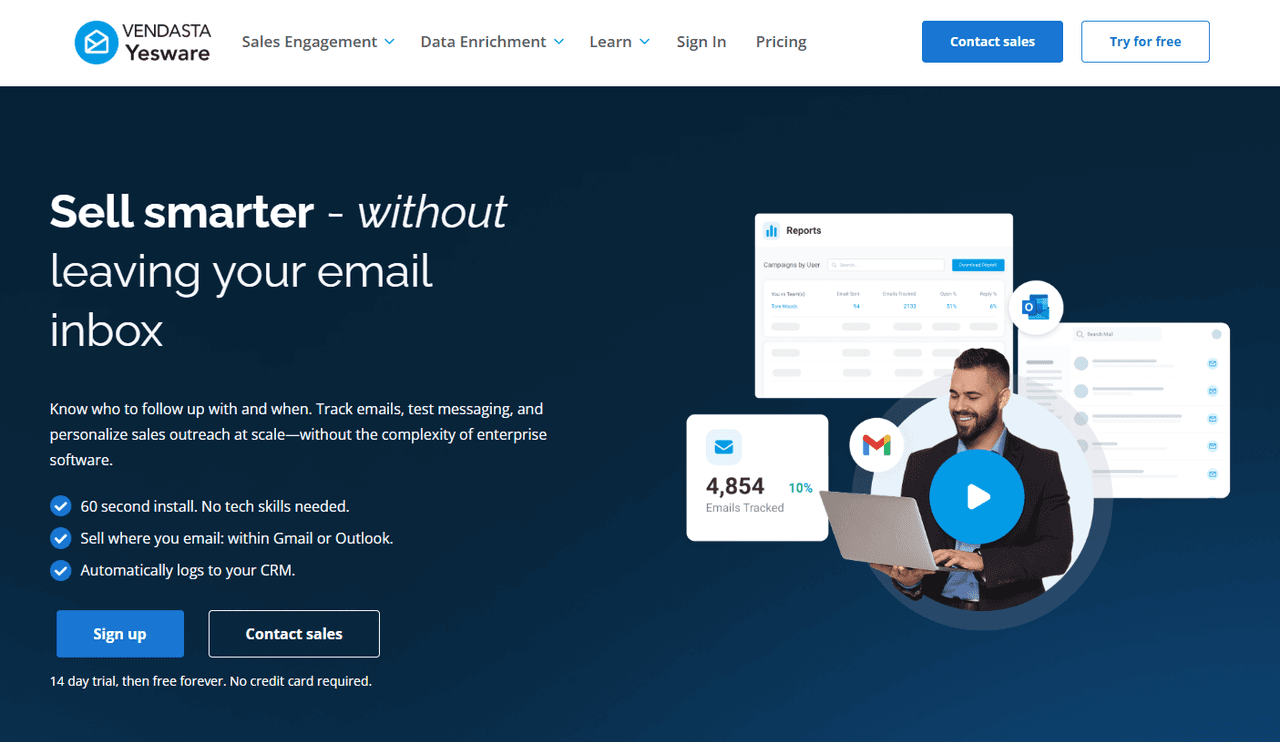
This makes it much easier to prioritize your day, personalize follow-ups, and stay connected with the prospects who are ready to move forward.
Best for: Sales reps who want real engagement tracking inside Gmail or Outlook.
Why it stands out: Yesware makes it easy to see who opens your emails, clicks your links, or views attachments. You can follow up at the perfect time, personalize outreach, and stay organized without leaving your inbox. Setup takes only two minutes, and no IT support is required.
Top features:
- Email tracking
- Link and attachment tracking
- Templates for faster outreach
- Meeting scheduler for easy booking
- Reporting and analytics
- Works directly inside Gmail and Outlook
- Integrations with tools like Salesforce, LinkedIn, Zoom
Limitations: The Yesware Free plan allows you to only view tracking details for emails sent within the last 24 hours, and there’s a cap of 40 tracking events.
Ideal for: Reps prioritizing email outreach, follow-ups, and relationship-building.
2. HubSpot CRM (Free)
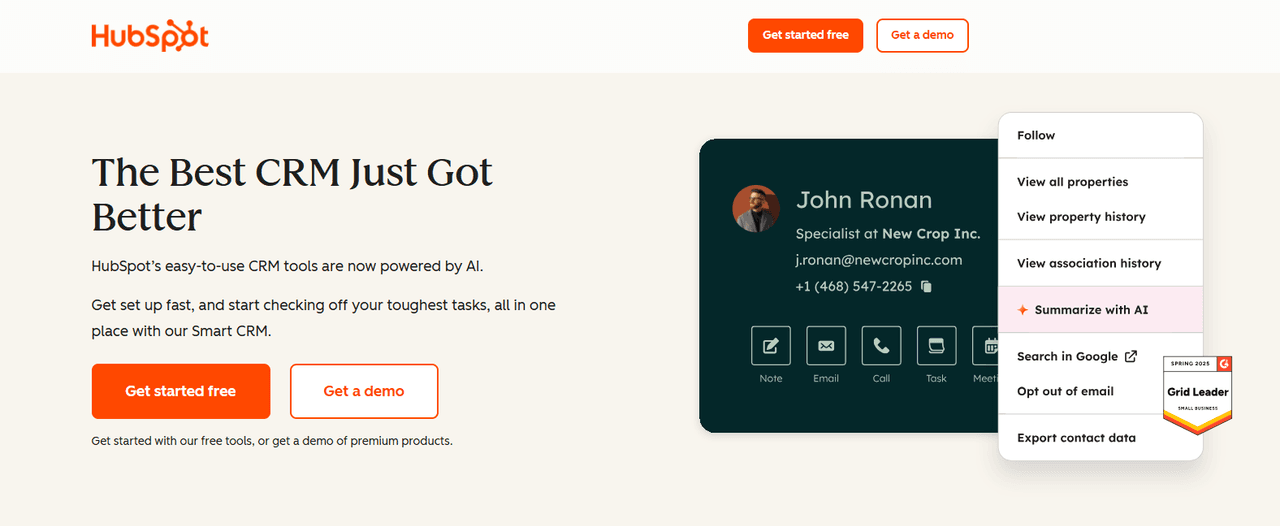
HubSpot is a strong choice if you need a traditional CRM with clear pipelines and contact records. It centralizes your data and gives you a solid foundation for building a repeatable sales process.
Best for: Teams that want a broad CRM with structured deal stages.
Why it stands out: HubSpot’s free CRM gives you a full suite of basic sales tools in a single platform. You can store contacts, build deal pipelines, log activities, and get visibility into your team’s overall workload.
Top features:
- Deal pipeline
- Contact and activity tracking
- Email sync and logging
- Reporting dashboards
- Meeting links and live chat tools
- Basic prospecting tools
Limitations: Email tracking is limited on the free plan, and many users find the interface takes time to learn. As you grow, you may also hit paywalls for features like automation, advanced reporting, and larger contact volumes.
Ideal for: Small teams wanting a free CRM to centralize activity and manage structured deal pipelines.
3. Bitrix24 (Free Plan)
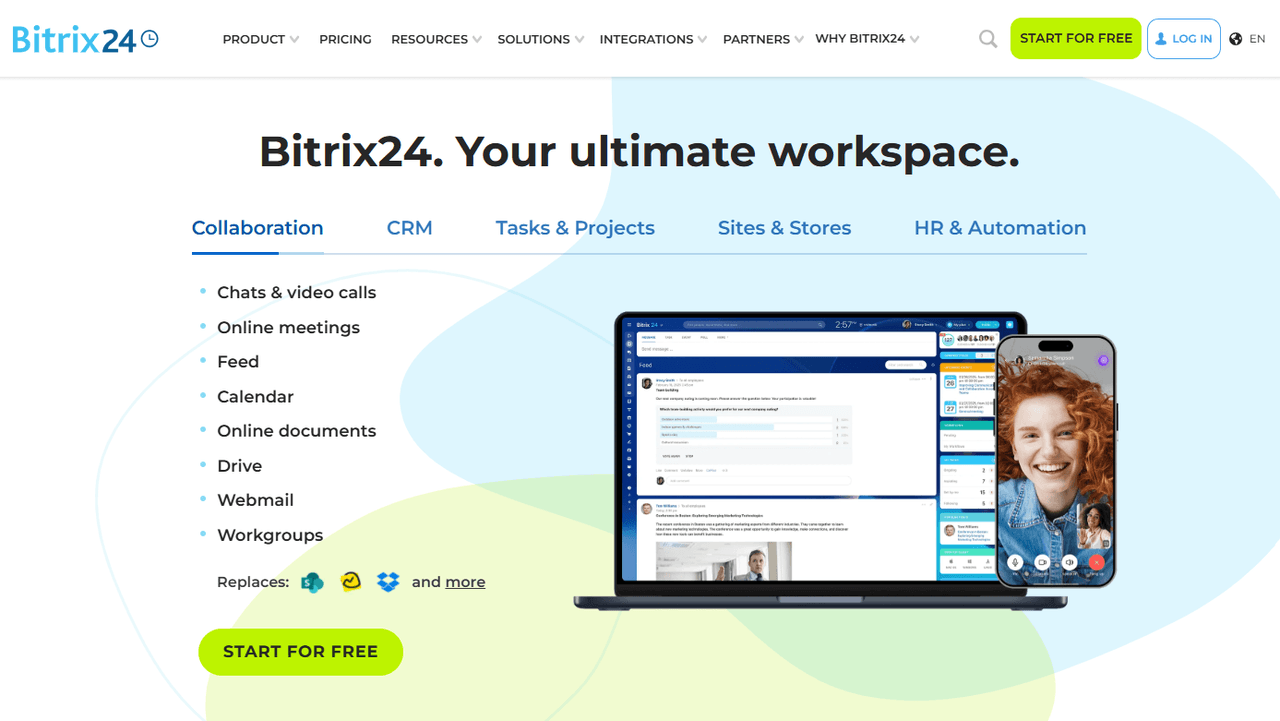
Bitrix24 offers one of the most feature-rich free plans in the CRM category. It combines sales tracking, project management, collaboration tools, and basic automation, making it a strong option for small teams that need more than just a CRM.
Best for: Teams looking for a free, all-in-one workspace that includes CRM, tasks, and communication tools.
Why it stands out: Bitrix24 gives users a surprisingly robust set of tools on its free plan. You get contact records, pipelines, activity management, and even internal chat. It’s designed for teams that want CRM plus collaboration, not just sales tracking.
Top features:
- Deal and pipeline management
- Contact tracking and activity logs
- Internal chat and team collaboration tools
- Task and project management
- Mobile app for on-the-go updates
Limitations: The interface can feel cluttered, setup takes time, and some advanced features require paid plans. It offers breadth over simplicity.
Ideal for: Small businesses that want a free CRM combined with teamwork and productivity tools, not just basic sales tracking.
4. Zoho CRM (Free Tier)
Zoho CRM is a long-standing option for small teams that want a structured, traditional CRM without paying for a subscription. Its free tier supports up to three users and provides enough core features to organize contacts, log activities, and manage early-stage pipelines.
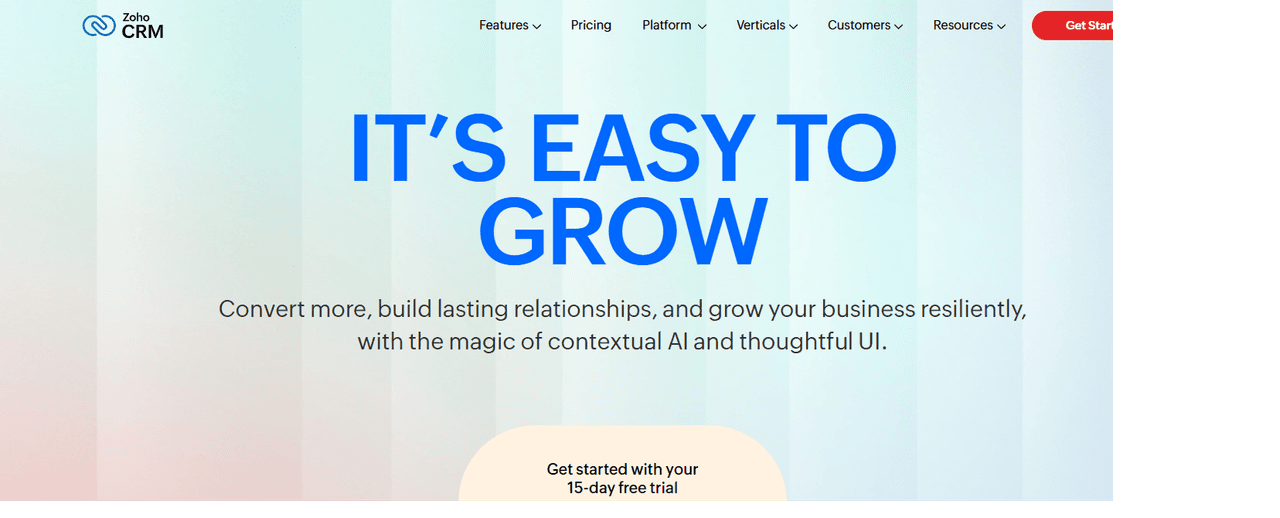
Best for: Small teams that want a free, structured CRM to track contacts and deals.
Why it stands out: Zoho CRM’s free plan includes many features other CRMs reserve for paid tiers, such as lead management, workflow rules, and basic reporting. It’s designed to help you build a clean, organized sales process from day one, with room to grow into more advanced tools inside the Zoho ecosystem.
Top features:
- Lead, contact, and account management
- Deal and pipeline tracking
- Tasks, notes, and event logging
- Basic workflow rules
- Email integration and activity tracking
- Built-in dashboards and simple reports
Limitations: The interface can feel crowded for new users, and the free plan caps usage at three users with limited customization. Many automation and advanced analytics features require a paid plan.
Ideal for: Early-stage businesses or small teams that want a no-cost CRM to centralize contacts and deals before investing in a full sales stack. Zoho CRM pairs well with inbox-based tools like Yesware if you need stronger engagement tracking, real-time notifications, and more efficient follow-up directly in Gmail or Outlook.
5. Freshworks Free
Freshworks Free is a good option for small teams that want CRM structure with a cleaner, more modern interface than some older platforms. It offers a straightforward way to manage contacts, deals, and basic communication, with a light layer of AI insights built into the free tier.
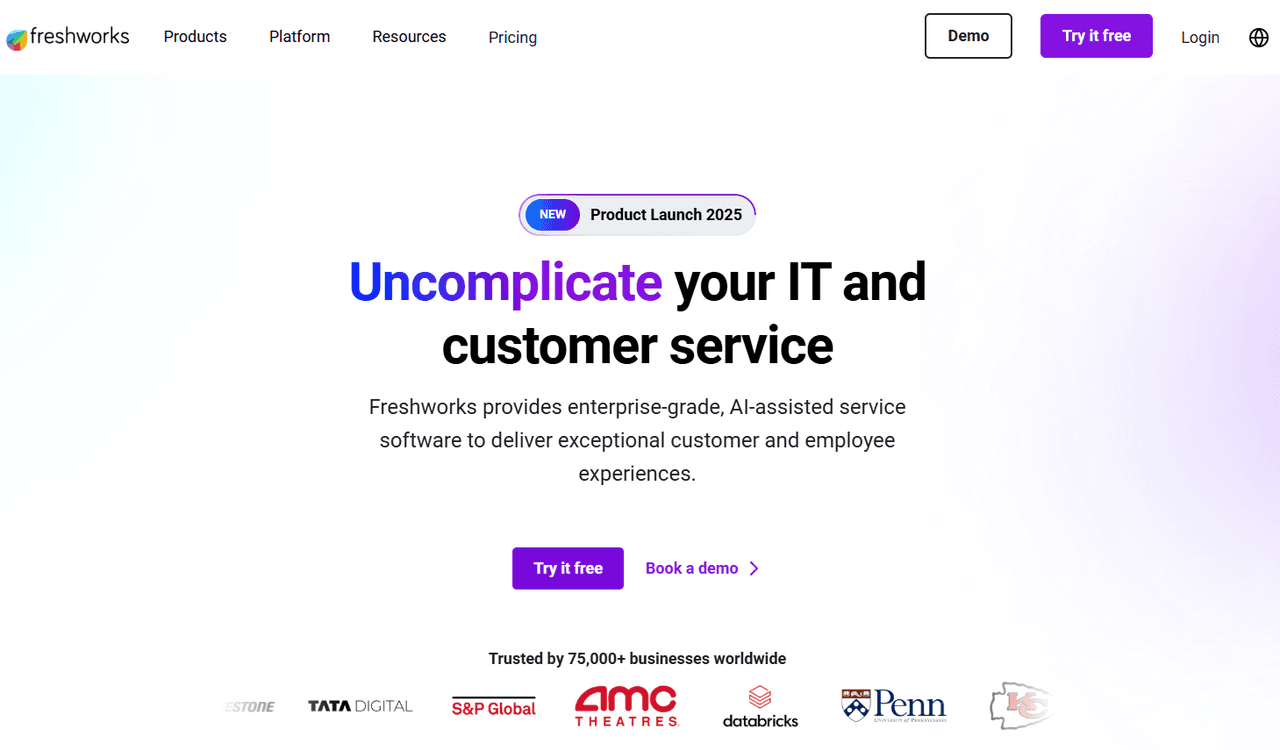
Best for: Teams that want a simple CRM with helpful AI suggestions.
Why it stands out: Freshworks includes built-in AI scoring, website visitor tracking, and a clean, easy-to-learn interface. These features are uncommon in a free plan and can help teams better understand which leads deserve attention.
Top features:
- Contact and account management
- Deal pipeline views
- AI lead scoring (basic)
- Email activity logging
- Built-in phone and chat (limited)
- Mobile app for sales on the go
Limitations: Automation, advanced analytics, and sequences require paid plans. The free tier is more limited than some competitors, especially for larger teams.
Ideal for: Small teams that want a modern CRM with lightweight AI help, without needing a full automation suite.
6. Streak Extension for Gmail (Free)
Streak’s free Gmail extension adds lightweight sales tools directly into your inbox and gives Gmail users a set of productivity features without requiring a full CRM setup. Streak is a simple option for solo sellers, freelancers, and small teams who prefer to stay inside Gmail.
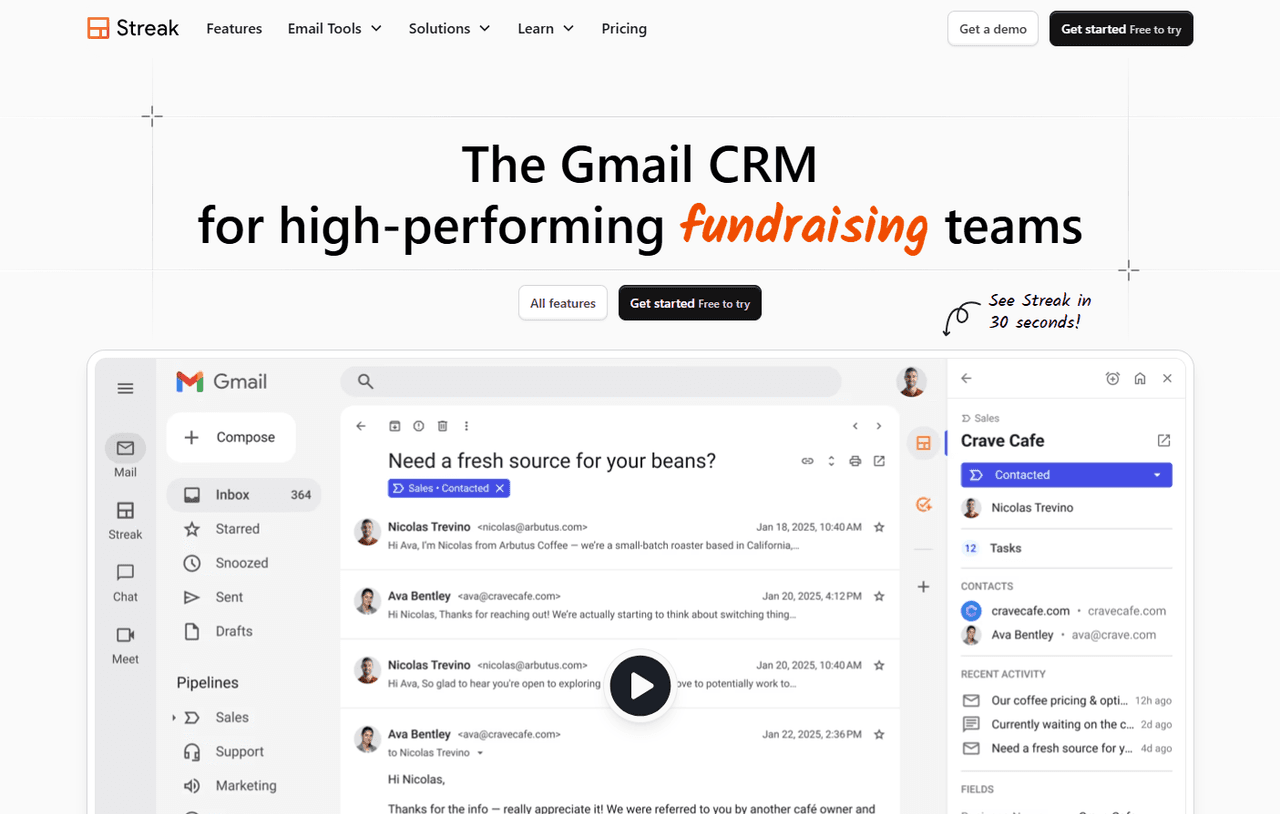
Best for: Gmail users who want inbox sales tools and lightweight tracking.
Why it stands out: Streak’s extension enhances Gmail with features like email and link tracking, reusable snippets, mail merge, and simple sharing tools. These add-ons help users send faster, track basic engagement, and manage outreach without leaving Gmail.
Top features:
- Email and link tracking
- Email snippets for quicker replies
- Mail merge (up to 50/day on free plan)
- “Streak Share” to share email threads
- Thread splitting for cleaner conversations
- Basic contact and pipeline management inside Gmail
Limitations: The free plan limits tracking, automation, and CRM-style customization. Larger teams may outgrow it quickly, and more advanced workflows require paid upgrades.
Ideal for: Freelancers, individual reps, and small teams who work entirely in Gmail and want simple sales tools built into their inbox without the setup or complexity of a full CRM.
7. Trello (as a simple sales tracker)
Trello is not a CRM, but many teams use it as a lightweight sales tracker thanks to its flexible, Kanban-style boards. It works well for visual sellers who want a simple way to manage leads and deals without adopting formal CRM software.
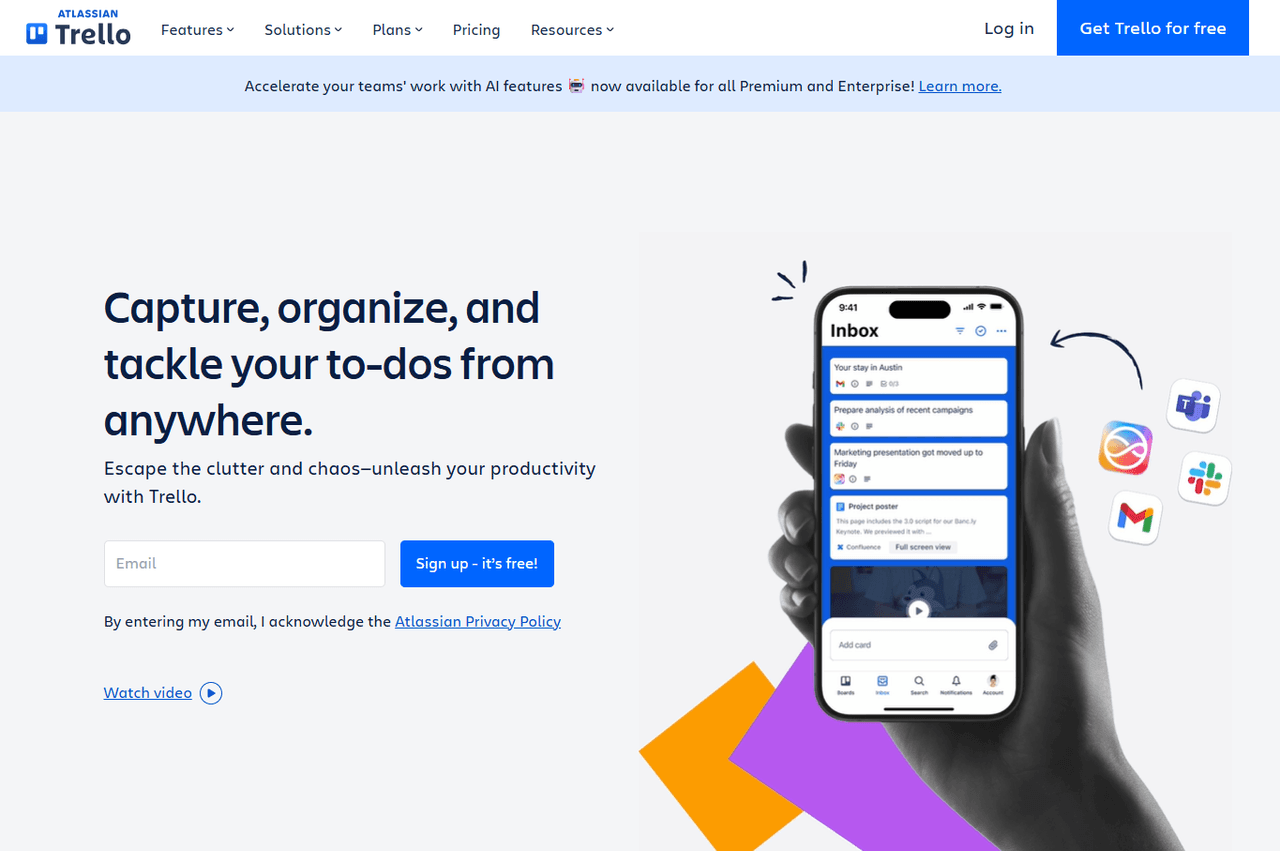
Best for: Teams that prefer visual task boards over traditional CRM structure.
Why it stands out: Trello’s drag-and-drop cards make it easy to create a simple funnel and move deals across stages. It is highly customizable and works especially well for teams that find CRMs overwhelming or unnecessary.
Top features:
- Customizable boards and lists
- Drag-and-drop deal stages
- Notes, checklists, and file attachments
- Due dates and reminders
- Integrations with tools like Slack, Google Drive, and Zapier
Limitations: No built-in email tracking, no contact database, and no native reporting. You must build everything manually.
Ideal for: Small teams or freelancers who want a simple, visual way to track deals without the overhead of CRM software.
8. Airtable (Free Plan)
Airtable is a hybrid spreadsheet–database platform that makes it easy to build custom sales tracking systems. Its free plan is flexible enough to support contact management, deal funnels, and reporting dashboards using templates or custom fields.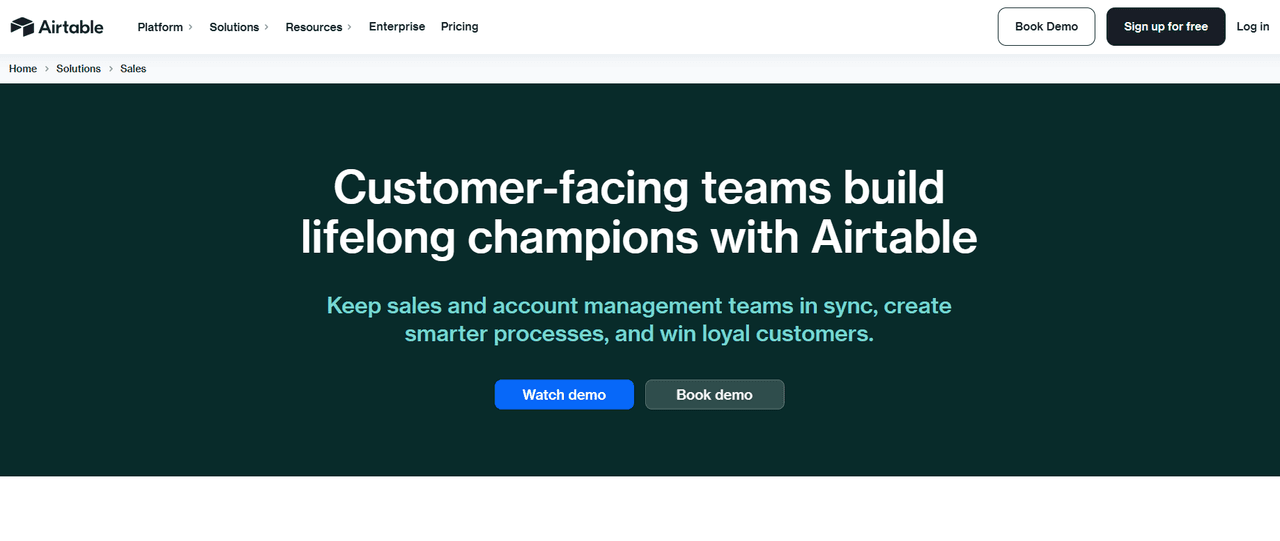 Best for: Teams that want a flexible, customizable sales tracker without adopting a traditional CRM.
Why it stands out: Airtable gives non-technical users the power to build database-style systems with spreadsheet simplicity. You can use prebuilt CRM templates or design your own workflow that fits your exact sales process.
Top features:
- Unlimited bases on the free plan
- Up to 1,000 records per base
- 1 GB of attachments per base for storing documents
- Customizable tables and fields for building a sales tracker
- Multiple view options to visualize deals
Limitations: The free plan caps records, automation runs, and attachment storage. More advanced features require upgrades.
Ideal for: Teams that like spreadsheets but need something more powerful and customizable for sales tracking.
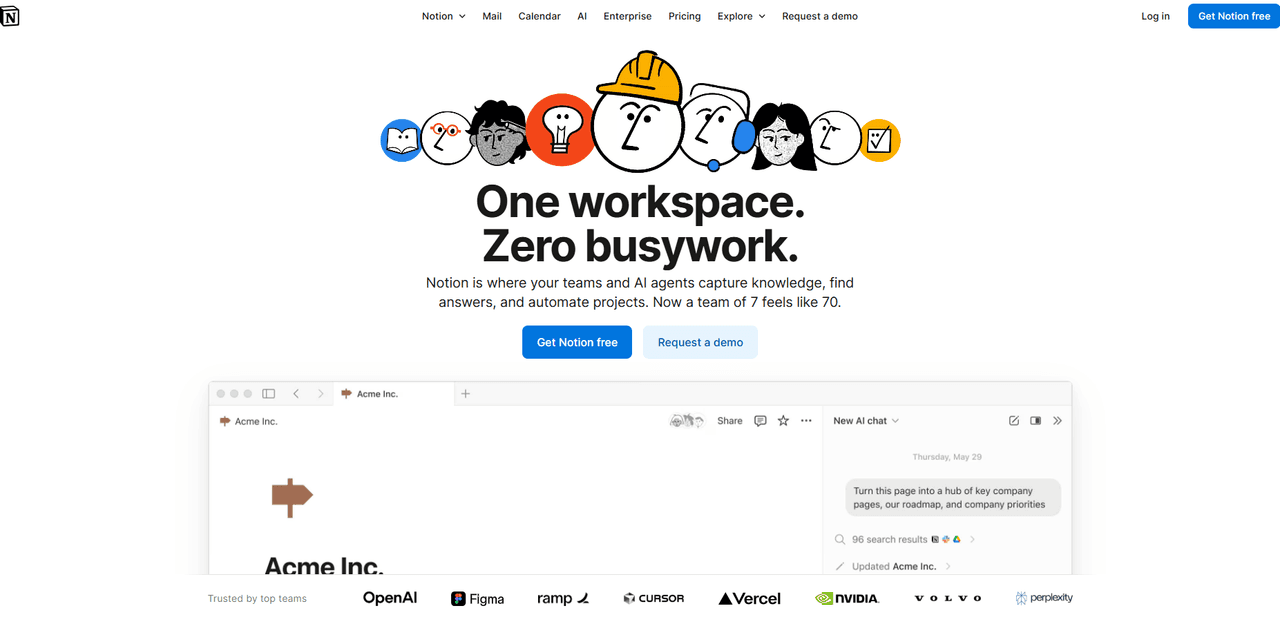
9. Notion (Free)
Notion is an all-in-one workspace where teams can build custom CRMs, sales trackers, and deal workflows. With templates and drag-and-drop blocks, it gives teams complete control over how they organize deals, contacts, and notes.
Best for: Teams that want to build their own sales tracker or lightweight CRM from scratch.
Why it stands out: Notion’s free tier includes databases, Kanban boards, task lists, pages, AI notes (limited), and full collaboration for small teams. Its CRM templates make it easy to get started and expand as your workflow grows.
Top features:
- Custom databases for leads, deals, and contacts
- Board, list, calendar, and timeline views
- Notes, documents, and task management in one place
- Collaboration features with mentions and comments
- Free CRM templates and sales funnels
Limitations: No native email tracking, automation is limited, and it requires manual setup. Not ideal for teams that want plug-and-play CRM functionality.
Ideal for: Small teams and solo sellers who want full customization and already use Notion as their workspace.
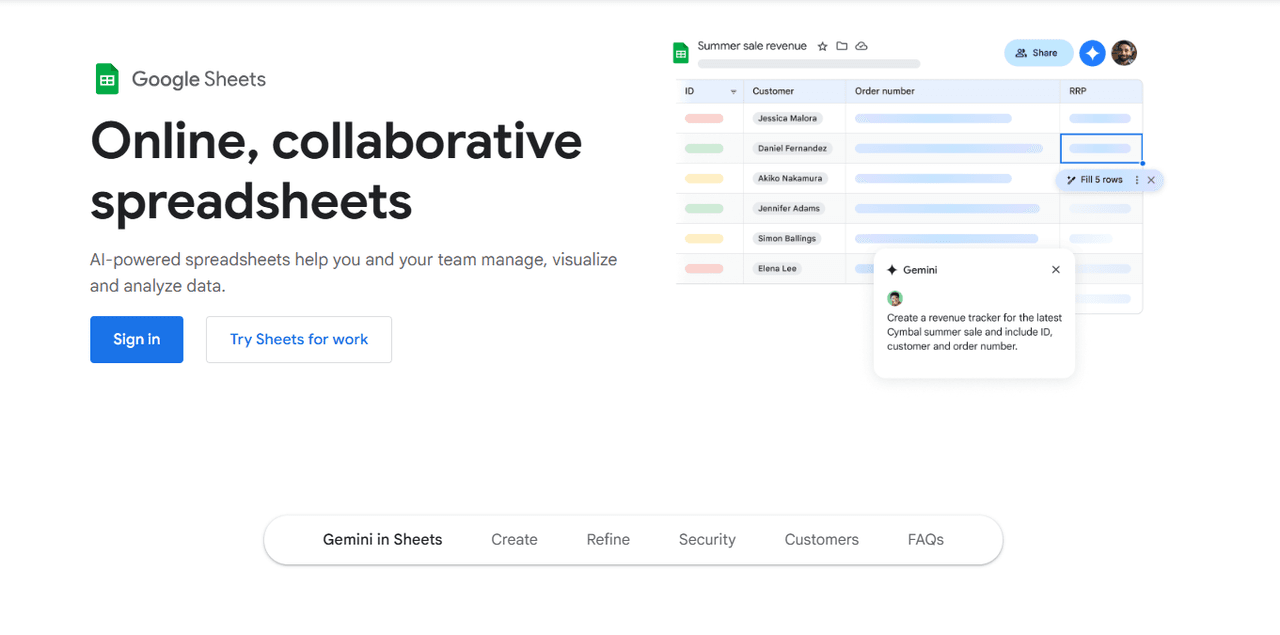
10. Google Sheets + Templates
Google Sheets remains one of the simplest and most flexible ways to track sales for free. Many sales teams still rely on spreadsheets for lead lists, pipelines, forecasting, and activity logs. It works anywhere, requires no setup, and integrates easily with other tools.
Best for: Reps or teams who want a simple, no-cost sales tracker they can customize.
Why it stands out: Sheets is easy to set up and extremely flexible. You can build your own sales tracker in minutes or use free templates for pipelines, lead lists, and forecasting. It’s also ideal for teams not ready to adopt a full CRM.
Top features:
- Unlimited custom fields
- Simple filtering and sorting
- Conditional formatting for deal stages
- Shared access for team collaboration
- Templates for pipelines, forecasting, and lead tracking
- Integrates with apps like Zapier and Google Forms
Limitations: Fully manual. No email tracking, automations, or engagement insights. Hard to scale as team size grows.
Ideal for: Individuals or very small teams who want a lightweight, spreadsheet-based tracker or who are transitioning toward a CRM later.
How to Choose the Best Free Sales Tracking Software
With so many free tools available, choosing the right one can feel overwhelming. The best approach is to focus on what will actually improve your day-to-day workflow, not just which tool offers the most features on paper.
Below is a clear, step-by-step guide to help you evaluate options and select a tool that fits your sales process, team size, and priorities.
1. Start With Your Daily Workflow
The right tool should fit into how you already work. Ask yourself:
- Where do I spend most of my time — email, spreadsheets, or a CRM?
- Do I want a tool that works inside my inbox, or am I comfortable switching tabs?
- Am I tracking one-on-one outreach or full pipeline processes?
If you spend most of your day in Gmail or Outlook, an inbox-based tool like Yesware can make your workflow smoother and reduce tool-switching. If you rely on detailed deal stages and multi-step reporting, a CRM may be the better fit.
2. Identify the Must-Have Features
Different tools focus on different parts of sales tracking. Make sure the free plan covers what you need most:
- Email engagement tracking (opens, clicks, attachment views).
- Deal and pipeline management if you need structured sales stages.
- Contact management to store and organize lead information.
- Templates and automation to save time on repetitive outreach.
- Reports and insights to understand what’s working.
- Integrations if you use other tools like Salesforce or Google Workspace.
For many sales reps, real-time engagement tracking is the most valuable feature because it helps you follow up when interest is highest. Yesware includes this on its free plan, which is uncommon among free tools.
3. Consider Ease of Setup and Adoption
A free tool is only useful if you can get your team using it quickly. Look for:
- A simple installation process
- No IT support required
- Clear onboarding guides
- An interface that makes sense with minimal training
Inbox-based tools tend to be easier to adopt because they don’t require you to learn a new platform. Yesware, for example, installs in under two minutes and immediately adds tracking and templates inside your existing inbox.
4. Evaluate the Free Plan Limitations
Free plans nearly always include restrictions. Make sure you understand them up front so you don’t run into surprises during implementation.
Common limitations to review:
- Number of contacts or records
- Daily email send limits
- Limited reporting or dashboards
- Restricted automation or tracking
- Limited users or seats
- Storage caps or attachment limits
- Missing integrations
Some tools offer generous free tiers, while others keep core features locked behind paid plans.
5. Match the Tool to Your Sales Motion
Your sales motion — outbound, inbound, transactional, relationship-based — determines which features matter most.

Use this quick guide:
- Outbound reps: Look for email tracking, templates, and follow-up reminders.
- Inbound teams: CRM structure and deal pipelines matter more.
- Small teams: Look for tools that require minimal setup.
- Growth-focused teams: Choose a tool you can expand into later.
- Relationship sellers: Inbox-based tracking and personalization are key.
Yesware fits especially well for outbound and relationship-based sellers who rely on timely follow-ups and personal outreach.

6. Think About Scalability and Future Needs
You may start with a free plan, but your needs may grow quickly. Look for tools that offer:
- Optional upgrades (automation, reporting, team analytics)
- CRM integrations (Salesforce, HubSpot, Vendasta)
- Collaboration features
- More advanced insights as you scale
Choosing a tool with a clear upgrade path helps avoid switching platforms later.
7. Test the Tool for 30 Days
Once you narrow your choices, commit to one tool for a full month. During that time:
- Track emails or deals consistently
- Evaluate ease of use
- Measure time saved
- Check whether follow-ups are easier to manage
- Review insights and reporting
- Note any limitations you run into
Many teams find that tools like Yesware deliver value quickly because they provide fast, actionable engagement signals that immediately improve follow-up timing.
The Bottom Line
The best free sales tracking software is the one that fits seamlessly into your workflow and gives you reliable visibility into prospect activity. Every team’s needs are different, but most reps benefit from tools that show who is engaging, when to follow up, and how well your outreach is performing.
If email outreach plays a major role in your sales process, starting with Yesware’s free plan is one of the easiest ways to begin tracking engagement and improving your follow-up timing.
Decision Guide
| Decision Question | Best Tool | Why |
| Do you need real-time tracking of opens, clicks, and attachment views? | Yesware | Inbox-based engagement insights so you follow up at the right time. |
| Do you want a traditional CRM with structured pipelines? | HubSpot CRM | Full CRM system with deal stages, records, and dashboards. |
| Do you want CRM + collaboration tools (tasks, chat, projects) in one platform? | Bitrix24 | All-in-one workspace with CRM and team tools. |
| Do you need a structured, lightweight CRM for up to 3 users? | Zoho CRM | Predictable, simple CRM with workflow rules and dashboards. |
| Do you want a modern CRM with basic AI insights? | Freshworks Free | Clean interface plus AI scoring and visitor tracking. |
| Do you want sales tools that live entirely inside Gmail? | Streak | Adds tracking and mail merge to Gmail itself. |
| Do you prefer visual boards over CRM-style systems? | Trello | Drag-and-drop Kanban board for tracking leads. |
| Do you want a spreadsheet–database hybrid you can customize? | Airtable | Flexible records, views, and templates. |
| Do you want to create a fully custom CRM or workspace? | Notion | Build any workflow using pages, databases, and templates. |
| Do you want the fastest, simplest manual sales tracker? | Google Sheets | Easy to use; great for early-stage teams or individuals. |
Pro Tip: Download the ebook below to learn more about the technology stack you need to boost your sales.
 The Optimal Technology Stack for B2B Sales TeamsUsing data from the most successful business-scaling models, we designed a blueprint for the exact technology your business needs at each phase of growth.
How to Set Up Free Sales Tracking Software
Even the best sales tracking software only works if it’s set up correctly. The good news is that most free tools take only a few minutes to get running, especially if you choose an inbox-based tool like Yesware.
Below is a straightforward setup guide you can use for any platform, whether you prefer a full CRM or a lightweight inbox extension.
1. Create Your Account or Install the Extension
Start by signing up for the tool or installing its browser extension.
- Inbox tools like Yesware or Streak install directly into Gmail or Outlook in under two minutes.
- CRMs like HubSpot, Zoho, or Freshsales require a short signup flow with basic team information.
- Spreadsheet-based tools like Airtable or Google Sheets require no setup beyond creating a new base or template.
Tip: If you are installing an extension, refresh your inbox to make sure the tracking features appear.
2. Connect Your Email or Workspace
Most sales tracking tools rely on your email account to log activities or track engagement.
- Yesware connects directly to Gmail or Outlook with one click, so tracking begins immediately.
- HubSpot, Zoho, Freshsales, and Bitrix24 may require a short OAuth connection step.
- Streak automatically attaches to Gmail once the extension is added.
- Notion and Trello don’t require an email sync unless you integrate via Zapier.
Why this matters: Connecting your email enables automatic logging and reduces manual data entry.
3. Import or Add Your Contacts
Next, populate the system with the leads or accounts you want to track.
Ways to import contacts:
- Upload a CSV file
- Sync from tools like Outlook, Google Contacts, or Salesforce
- Add contacts manually if you only have a few
- Use Yesware Prospector (optional) to find verified contacts and add them directly to your workflow
Tip: Clean your list before importing: remove duplicates, fix formatting issues, and confirm correct email addresses.
4. Set Up Your Pipeline, Stages, or Tracking Workflow
Your tracking workflow depends on the type of tool you choose:
- With a CRM (HubSpot, Zoho, Freshsales): Customize your pipeline stages to match your sales process (e.g., “New Lead → Contacted → Qualified → Proposal → Closed”).
- With inbox tools (Yesware, Streak): Create templates, segments, and tags to help categorize outreach. Enable link and attachment tracking.
- With boards (Trello, Notion): Build a Kanban-style workflow and define the columns that represent your funnel.
- With spreadsheet tools (Airtable, Google Sheets): Add fields for contact name, company, status, next step, engagement, and notes.
Tip: Use short, action-based pipeline names so it’s clear what happens at each stage.
5. Start Tracking Activity
Once your workflow is ready, send a few outreach emails or log your initial activities.
What to look for:
- Email opens, clicks, or attachment views (Yesware, Streak, HubSpot)
- Logged calls or meetings (Yesware, HubSpot, Freshsales)
- Movement of deals across stages (Zoho, Bitrix24, Airtable)
- Visual progress on Kanban boards (Trello, Notion)
This step ensures your tracking is active and accurate.
6. Enable Notifications or Alerts
Notifications help you react quickly when a prospect is engaged.
For example:
- Yesware sends real-time alerts when someone opens your email or clicks a link
- HubSpot offers basic notifications for return visitors or email replies
- Streak provides simple read receipts inside Gmail
- Airtable and Notion offer reminders or automation triggers
Tip: Turn on desktop and mobile notifications so you can follow up at the right moment.
7. Review Your Reports or Dashboards
Even free plans offer basic reporting. Review these regularly to see what’s working:
- Top-performing emails and templates
- Most-engaged prospects
- Deals moving forward or stalling out
- Activities logged vs. completed
- Response and open rates
Note: Inbox-based tools like Yesware provide clear engagement reports, helping you focus on prospects who show buying behavior. The Yesware Free plan does not include template-by-template or campaign reporting. This feature is part of the Pro and Premium paid plans, which give you access to advanced analytics, including how individual templates and campaigns perform (open rates, reply rates, meetings booked, etc.).

8. Add Basic Automations (Optional)
If your free plan includes automation, set up simple workflows:
- Follow-up reminders
- Task creation triggers
- Automatic tagging or categorization
- Basic drip sequences
9. Test and Refine Your Setup Over the First Week
Once the system is live, spend a few days refining your process:
- Adjust pipeline stages
- Improve template copy
- Add fields to your spreadsheet or CRM
- Watch engagement patterns and adjust follow-up timing
- Identify which contacts should be prioritized
This makes the tool more effective and tailored to your real-world workflow.
How Yesware Helps You Track Sales Activity for Free
Free sales tracking tools vary widely, but Yesware stands out because it gives you real, actionable visibility into how prospects engage with your outreach — without requiring a paid plan or a complex CRM rollout.
For sales reps who live in Gmail or Outlook, Yesware adds the tracking, insights, and time savings that help you prioritize the right leads and follow up when interest is highest.
A great example of this comes from Mimeo, a fast-growing organization that needed a better way to understand what was happening in their sales process.
Challenge
Mimeo’s sales team was losing hours every day to what they called a “black hole.” They had no clear visibility into how prospects interacted with their emails, which messages performed best, or which follow-up approach actually moved deals forward.
Without reliable engagement data, reps spent too much time guessing, and leadership couldn’t coach effectively to improve sales performance or identify what was working.
Solution
Mimeo evaluated several tools but needed something that delivered real insight with minimal effort. Yesware quickly stood out.
The team adopted Yesware’s email tracking to get instant alerts the moment a prospect opened an email or clicked a link.
They also relied on the Gmail dashboard, which gives reps a complete view of who is engaging, how often, and with which content.
This visibility became the foundation for a cleaner, more consistent sales process. Reps knew who to prioritize, managers knew where deals were stalling, and the team finally had the data they needed to improve messaging.
Results
Once Mimeo integrated Yesware into their workflow, the impact was immediate:
- 2 hours saved per rep, every day, adding up to more than 4,200 hours a month across the team.
- 10 percent increase in overall rep productivity, simply by shifting time from admin tasks to selling.
- Stronger sales forecasting accuracy and more effective coaching, thanks to reliable engagement insights.
As Dominic Garabedian, VP of Sales, shared:
“The sales data we get from Yesware is invaluable. It allows us to easily inspect the sales cycle, determining the likelihood and timing of deals as well as uncovering specific coaching opportunities.”
Mimeo’s experience highlights what makes Yesware different.
With free email tracking, instant engagement alerts, templates, and a simple inbox-based workflow, Yesware helps sales teams understand what prospects are doing, reclaim selling time, and build a more predictable process — all without the complexity of a traditional CRM.
Conclusion
Choosing the right free sales tracking software comes down to understanding what will meaningfully improve your outreach, your follow-up timing, and your visibility into buyer intent.
Whether you prefer a traditional CRM, a customizable workspace, or a lightweight tool inside Gmail or Outlook, the goal is the same: track activity clearly, focus on the right prospects, and spend more time selling.
If you want the fastest way to get real engagement insights without setup, training, or a complicated CRM, Yesware is an easy place to start.
You can track opens, clicks, and attachment views, use templates to speed up outreach, and follow up at the perfect time. It all works directly inside your inbox.
Try Yesware for free and see how much easier sales tracking can be.
Free Sales Tracking Software FAQs
1. What is free sales tracking software?
Free sales tracking software helps you organize leads and monitor outreach without a subscription. Tools like Yesware offer email tracking and engagement insights so you can quickly identify interested prospects and follow up at the right time.
2. How does free sales tracking software work?
These tools log your emails, calls, tasks, and deal updates to show how prospects move through your pipeline. Platforms like Yesware also track opens and clicks in real time, giving you a clearer view of buyer intent.
3. Is Yesware really free to use?
Yes. Yesware’s free plan includes email tracking, templates, and basic reporting. It’s ideal for reps who want engagement insights inside Gmail or Outlook without the complexity of adopting a full CRM.
4. What features should I expect in the best free sales tracking software?
Most free tools offer contact and deal tracking. Higher-value tools include engagement tracking, templates, reminders, and simple reporting. Yesware stands out for offering real-time email and link tracking at no cost.
5. What is the best free sales tracking tool for email outreach?
Yesware is one of the strongest choices because it shows when prospects open emails or click links. Those insights help you follow up when interest is highest. CRMs focus more on pipeline structure than real-time engagement.
6. Do I need a CRM if I use free sales tracking software?
Not always. If your process is email-driven, Yesware may cover your tracking needs. For more structured pipelines or team collaboration, you can pair it with a free CRM like HubSpot or Zoho.
7. Can free sales tracking tools replace a paid CRM?
They can be used for individuals or small teams, but larger groups often need advanced reporting, forecasting, or automation. Many teams pair Yesware with a CRM to combine engagement tracking with pipeline management.
8. What is the easiest free sales tracking tool to set up?
Yesware installs in minutes and works directly inside your inbox, making it one of the simplest options. Google Sheets is also easy to start with, though it lacks built-in tracking or automation.
9. How can I track email opens for free?
Yesware’s free plan lets you see when a prospect opens your email, clicks a link, or views an attachment. These insights help you prioritize warm leads and time your follow-ups more effectively.
10. What is the best free sales tracking software for small businesses?
Small businesses often start with Yesware for email engagement tracking or HubSpot for a structured CRM. The right choice depends on whether you need inbox-based tracking or formal deal management.
Get sales tips and strategies delivered straight to your inbox.
Yesware will help you generate more sales right from your inbox. Try our Outlook add-on or Gmail Chrome extension for free, forever!
Related Articles


Anya Vitko
Anya Vitko
Sales, deal management, and communication tips for your inbox